Bucurestiul in ceata

Si ceata se asternu peste Bucuresti, pe inserat, intr-o duminca de februarie. A fost chiar duminica trecuta. Cum nu iesisem deloc din casa ceata respectiva mi-a inspirat idei de poze, asa ca am fost in parcul Izvor, again, dar data aceasta noaptea. Am luat cu mine si trepiedul Dianei (da stiu ti-l voi da inapoi) si evident tot cu obiectul de 50mm F1.8.

Aveti mai jos ce a iesit.

Iarna in Herastrau

Dupa “Iarna in Izvor” a venit si randul “Iernii in Herastrau”, asa ca miercuri am dat o tura cu Roxana si cu fratele meu prin parc pentru a trage niste poze. Era soare, zapada necalcata, lume extrem de putina, conditii numai bune pentru poze.

Principala atractie au fost niste pițigoi care daca stateai cu mana intinsa se puneau la tine in palma crezand ca ai mancare. Din pacate nu ne asteptam la acest comportament prietenos si i-am cam amagit, pentru ca nu aveam decat o manusa cu zapada.

Cu aceasta ocazie am testat si noul obiectiv 50mm F1.8 de la Nikon. Superb optic si mai rapid decat cel de stock 18-55mm. Intradevar trebuie sa faci putin zoom cu piciorul dar merita. Poate ceva mai wide ar fi fost mai potrivit dar deocamdata sunt multumit de el.

Aveti mai jos ce a iesit.

La inghetat nasu

Salutare

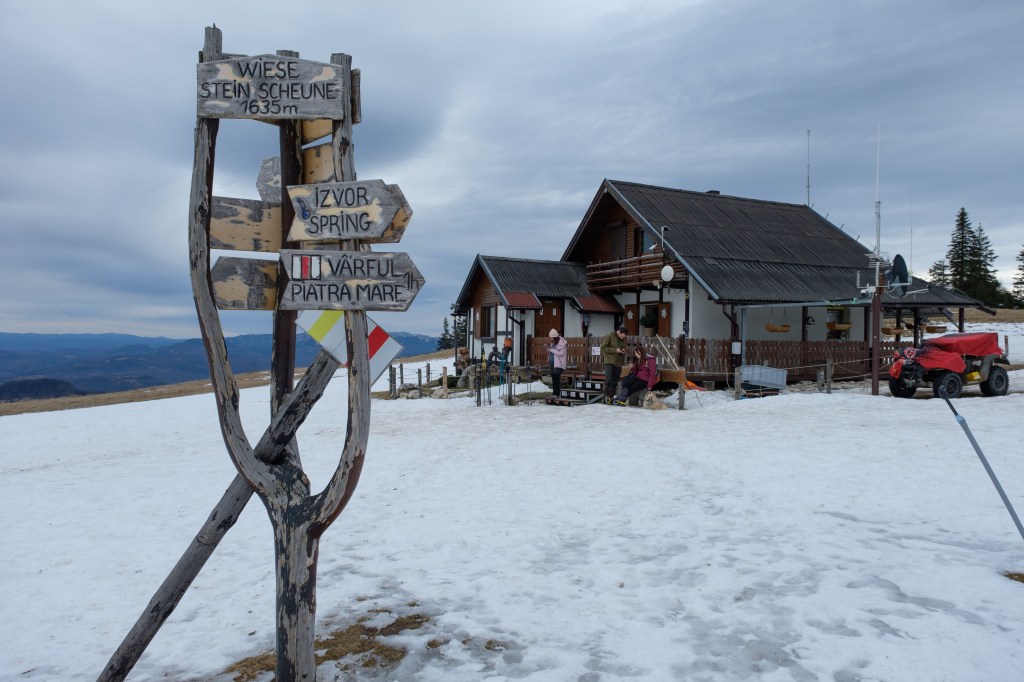
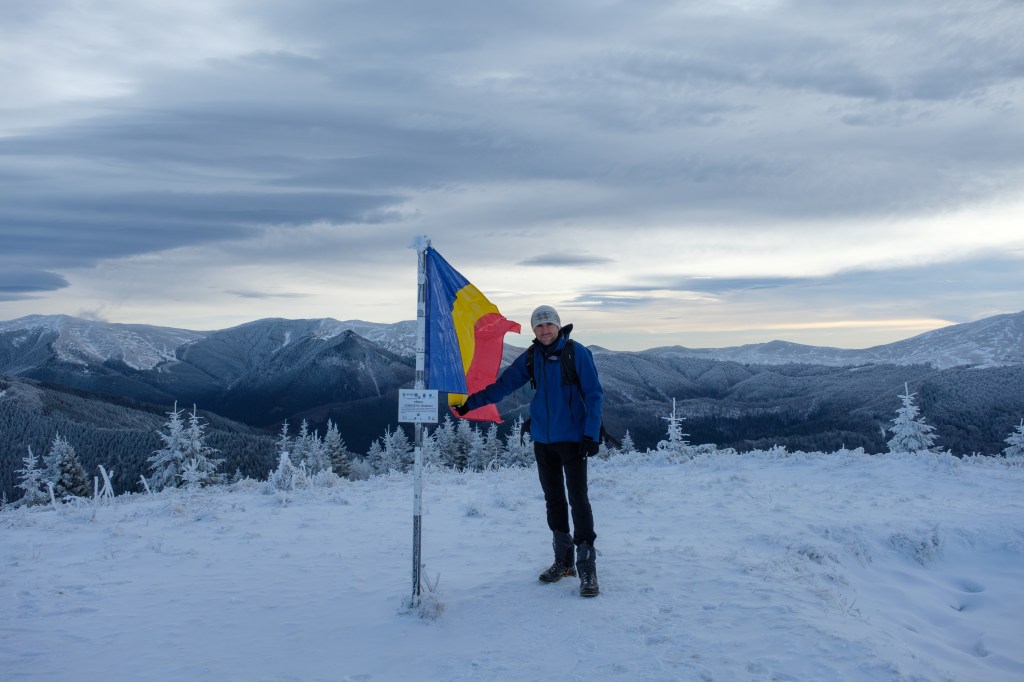
Ca tot am terminat sesiunea (ca ea nu s-a terminat) am hotarat sa dau o fuga prin Brasov sa merg pe munte si cum se anuntase vreme frumoasa, sambata seara m-am si urcat in tren.Tata ma astepta sa ajung prin Brasov pentru ca avea cu cine sa mearga.

Duminica dimineata era planificat sa mergem in Piatra Mare, dar cum peste noapte au fost -18grd celsius am abandonat ideea si am asteptat sa se mai incalzeasca. Pana ne-am impachetat s-a facut ora 11 asa ca o excursie in Postavaru era suficienta avand in vedere timpul pe care il aveam la dispozitie.

Ajungem intr-un final in Poiana Brasov cu autobuzul 20, ce avea cutie de viteze automata si care schimba total aiurea. In fine, traseul pe care vroiam sa il facem incepe de la cariera pe bulina albastra, pestera de lapte, leman, poiana ruia, cabana postavaru. Traseul parea batut asa ca ne-am apucat de escaladat.

Si mergem ce mergem si poteca se termina. Probabil cei care au mers inainte noastra au facut pana in punctul acela febra musculara si au renuntat. Ne punem frumos parazapezile si dai la inotat in zapada. De unde, dupa cativa pasi pana la genunchi (intram noi, batul de schi intra de tot) ne dam seama ca nu prea avem ce face si ne-am intors cu ideea sa mergem pana la statia de epurare sa vedem ce telescaun au facut pe partia Lupului.

In drum trecem si pe langa vechea trambulina mica, partie care era animata mai acum cativa ani, azi un singur schior a batut partia.

Intr-adevar, avand in vedere ca in viitorul apropiat se va desfasura in zona Brasov olimpiada de iarna de tineret autoritatile s-au apucat si au mai amenajat lucrurile. Pe partia lupului au facut un telescaun pe intreaga lungime a sa: telescaun clasic cu 4 locuri in care mai si tremuri putin, numa’ bun sa te racoresti dupa o tura. Cu prima ocazie o sa il incerc.

Poze nu prea am facut pentru ca nici bine nu scoteam aparatul, imi si ingheta mana pe el, so aveti mai jos ce a iesit.

Iarna in izvor

Ca tot am scapat de examene am zis sa ies o poza mica in parcul Izvor. Zis si facut: am tras cu fratele meu mai intai la cantina la drept si pe urma am mers in parc. Ce a urmat vedeti mai jos.

Auto dual boot (windows – linux)

Hello

Long time no write, again. Shame on me. Anyway…

Recently I had the opportunity to work for INCAS, which is a research institute for aerospace vehicles. They bought a cluster, a Super Micro chassis to be more specific, and needed a sysadmin to put it alltogether: install the operating systems, configure the networking, storage and all the necessary things. After 2 versions, I finally understood what they needed: they have codes written by themselves in Fortran using Linux development tools and they also have commercial Windows applications. So basically they needed both the operating systems on the nodes. After I tried to use virtualization tools to configure an easy mode to switch between them, I reached a scalability issue: KVM supports only 2 cores (tested on RHEL5) and ESXi 5 is also limited to 8 cpus and the network latency is quite high.

So the conclusion was: dual boot. So far so good but there are 20 blade servers to dual boot. The Super Micro chassis has indeed a great tool for remote management but it’s not funny to wait for every server to POST and then select witch OS to boot.

After I searched the web, I found that grub supports FAT32 file system witch means that the /boot partition can be written on a vfat partition. This was exactly what I needed because the FAT32 file system can be written from both operating systems.

To implement this all you have to do is this (for clean install):

  1. create a partition for /boot and write an ext3/4 file system to it (the Scientific Linux 6.1 Installer won’t let you install /boot on a vfat file system)
  2. create the rest of the partitions: / and swap
  3. install the Linux operating system

After the server is up and running do the following:

  1. copy the /boot to a temporary folder: mkdir /root/boot-tmp; cp -ar /boot /root/boot-tmp
  2. umount /boot
  3. mkfs.vfat /dev/sda3 (the /boot partition)
  4. update the partition type (c is for FAT32): fdisk /dev/sda -> t 3 -> c
  5. update /etc/fstab (if you are using UUID then the blkid will tell you the new UUID, else just replace it with the /dev/sda3) and don’t forget to update the file system from ext3/4 to vfat
  6. mount /boot ; cp -ar /root/boot-tmp /boot
  7. reboot the system and cross your fingers

Almost done. To automate the switch between Windows and Linux you need to install Cygwin on Windows to be able to run a SSH server on Windows and to have a grub.conf configuration file on the management node: if you need Linux the update the default entry in grub.conf to point to the Linux OS, if you want Windows the do the same for Windows. After the grub.conf is correct (usually the root partition is specified by its UUID, which is different from server to server, just replace that with the actual partition name), you just simply scp it to the server and then reboot. It should boot to the operating system where the default entry in grub.conf points to. This was done using grub 1 but should be the quite the same on grub 2.

Good luck.


Gradina botanica – long time no see

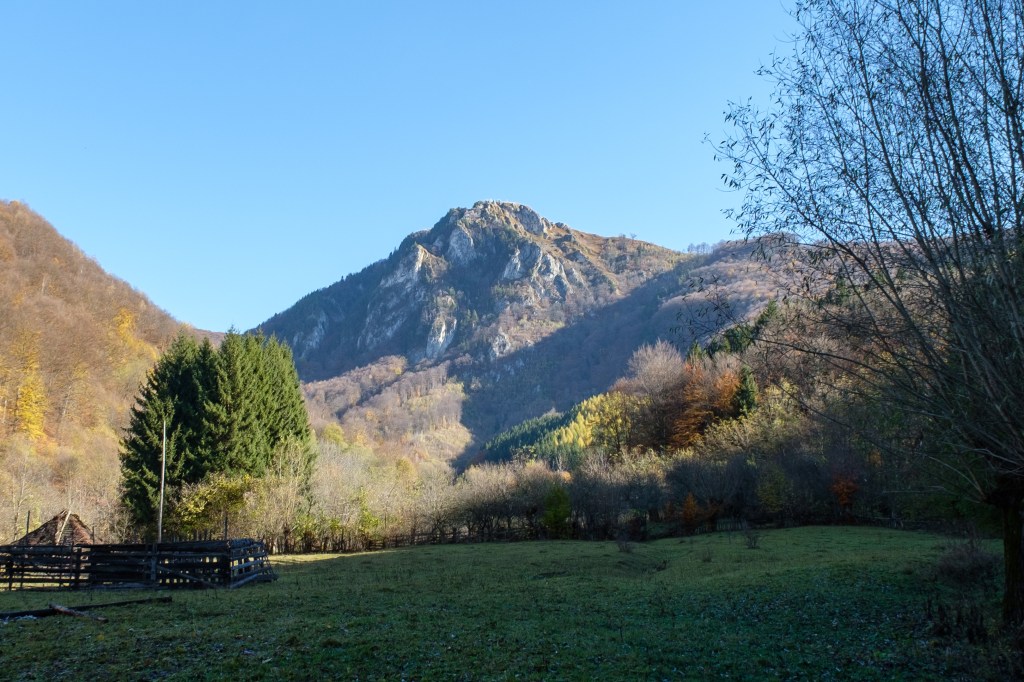
Vineri m-am gandit sa dau o tura la o poza si ca tot urma sa ies cu Roxana in oras, m-am gandit sa mergem in gradina botanica din Bucuresti pentru a trage niste fotografii de toamna. La munte ar fi fost mai frumos, dar a iesit ceva si aici. Zis si facut: ne-am intalnit la metrou la Politehnica si am luat-o pe jos spre intrarea principala de la Palatul Controceni. Intrarea 2lei studenti, 5lei adulti, mi se pare foarte putin comparativ cu suprafata care trebuie intretinuta dar probabil ca au fonduri din alte parti. Am constatat ca locatia este folosita si ca parc de distractii pentru cei mici: parinti, bunici cu copiii in parc la plimbare. Am mers la aleea cu castani (in partea dreapta a gradinii) cu gandul sa pozez aceea alee iar apoi am dat o tura de gradina sa vedem ce mai gasim de pozat dar s-a intunesc intre timp si am plecat. Aveti mai jos ce a iesit.


Moodle 2.1 and XMPP

Hello

This year we wanted to bring something new to out course platform at the Faculty of Automatic control and Computer science. The first thing that came up was the Instant Messaging feature that is into Moodle. With this feature a student can receive notifications from the course site in real time (most of them). If the user is offline it will receive the messages when at the first login. We what to create a chat room for each course where students to interact and to ask question about their assignments.

So we took one piece Jabber Server – Openfire – and one piece Moodle 2.1 instance and implemented the idea. It works quite well especially because we use a centralized authentication server (LDAP) and the student will use the same account on Moodle site and on the Instant Messaging service.

Openfire is quite a cool Jabber Server. It is written in Java and has a web administration frontend from where you can change the server settings, add users, monitor the server and so on. The setup was smooth. The only thing that might be improved is that it only supports one type of authentication system per instance: you cannot combine manual users with ldap accounts. Is or the one or the other. The lack for a cli tool to administer the service is also a minus, but you can hack the database, most of the settings being stored there.

As a client Pidgin rule. It is light im client that can be used will almost all the im providers out there.

We like to give it a try. You have below a print screen of a pidgin xmpp account setup. The username is the one you are using for the cs.curs.pub.ro.

Debian SSH login delay

Hello

Today I installed the latest Debian release, version 6. I was a Debian 5 user when was up to date at the time, then I switched to Ubuntu because it provides updated packages. What I like about Debian is the simplicity: Ubuntu has become to automated. I prefer a clean linux distribution.

I work mostly on remote systems via ssh. I wondered why I have to wait so long for a login prompt and the answer came from an old ubuntu forum [1]. It was the /etc/nsswitch.conf file that had to be modified not to use the avahi multicast dns service. The hosts line should look like this: hosts: files dns.

[1] http://ubuntuforums.org/showthread.php?t=574818

IPv6 – Cisco 4948 issue

Well, now that IANA is out of IPv4 addresses it’s time to consider migrating the infrastructure to IPv6 to have a dual stack or at least try to test the network devices if they are IPv6 ready.

Lately we received a /56 prefix for NCIT Cluster at out Faculty. We were excited at the beginning, but after we tried to deploy an IPv6 network thing weren’t that excited. Servers where ok, the linux operating system has a good IPv6 implementation, the problem was at the network equipment: Cisco routers.

The main router is a Cisco 4948 layer 3 switch which I think is has a buggy IPv6 stack. From the router I am able to ping ipv6.google.com but only if the IPv6 network is directly connected. If I add a second router, basically there are 2 routers in cascade, no mater what routes I add on the Cisco the packets aren’t routed behind the Cisco 4948 to the second router. If the networks were added as vlan interfaces directly on the main router, the routing processes goes smooth, but when it comes to static routing, the routing table is just a table.

So looks like our old Cisco 4948 router is not fully capable of doing real IPv6 work. May be a firmware upgrade will fix that, how knows because the update isn’t that new.

UPDATE:

In cele din urma a functionat. Am refacut toate configuratiile de pe echipament legate de IPv6 si acum merge rutarea fara probleme.


IPv6 – let the fun begin

And yes, it will happen one day and that day is not very far.

I went this morring to a rlug workshop about IPv6. The workshop took place in EG106 at UPB. The trainers were employments at a romanian ISP. They played a little with IPv6 to provide the ftp.lug.ro mirror over IPv6. In Romania ISP-providers don’t provide yet IPv6 connectivity but they managed to get a prefix from IANA and to put up ftpv6.lug.ro.

At the workshop the admins put up an 6to4 tunnel and in the lab there were like 14-16 computers with public IPv6 address. It was interesting how the 6to4 thing works: basicaly you can have IPv6 everywere. We tried a couple of websites that are IPv6 enabled and ya we surfed the google page over IPv6 (ipv6.google.com).

Before I went to the workshop – to do my homework – I configured a gogo6 tunnel on my server to play a little with IPv6. With gogo6 you will pe able to have public IPv6 address witch are tunnelled over IPv4 to gogo6 server end then unencapsulated till the IPv6 destination is reached, over the small IPv6 internet.

When the exams session will be over I will try and implement an 6to4 tunnel.

From know on, as long as the tunnel will be up, the server will be recheable using the hostname ipv6.doraz.ro for those currios to test your IPv6 infrastructure.